Staffing graph
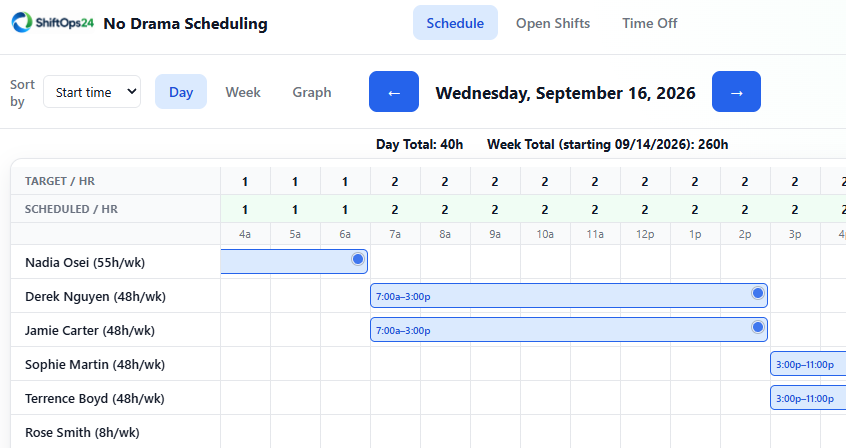
View scheduled headcount in 15-minute intervals.

Simple scheduling for 24/7 teams
ShiftOps24 helps 24/7 teams manage schedules, time-off requests, and open shifts. Compare scheduled staffing with your coverage targets as you plan.
What it handles
View scheduled headcount in 15-minute intervals.
Schedule different shift lengths, split shifts, and shifts that cross midnight.
Post an open shift or request cover for a call-out. Notify eligible employees by email so they can claim the shift.
When shift swaps are enabled, employees can arrange trades while managers stay informed.
Employees request whole days or partial hours; approved time off appears directly on the schedule.
Upload required headcount by time of day, then compare those targets with scheduled staffing on the graph.
Easy day-view edits
Drag a shift in the day view to change its scheduled time and see the updated schedule.

Employee availability
Employees set their recurring weekly availability. Managers see a warning when scheduling outside those windows, but can still create the shift when coverage requires it.

Coverage first
Import your staffing targets and see how your schedule stacks up. Identify periods scheduled above or below your required headcount.
Ready to see it?
Tell us about your team and what you need to schedule. We’ll follow up to arrange a demo.